Automatic stock deduction
Every completed sale reduces stock instantly — no manual recount needed at the end of the day.
Inventory management
No more end-of-day stock counts by hand. Every sale in Duka POS adjusts inventory automatically, so what's on the screen matches what's on the shelf.
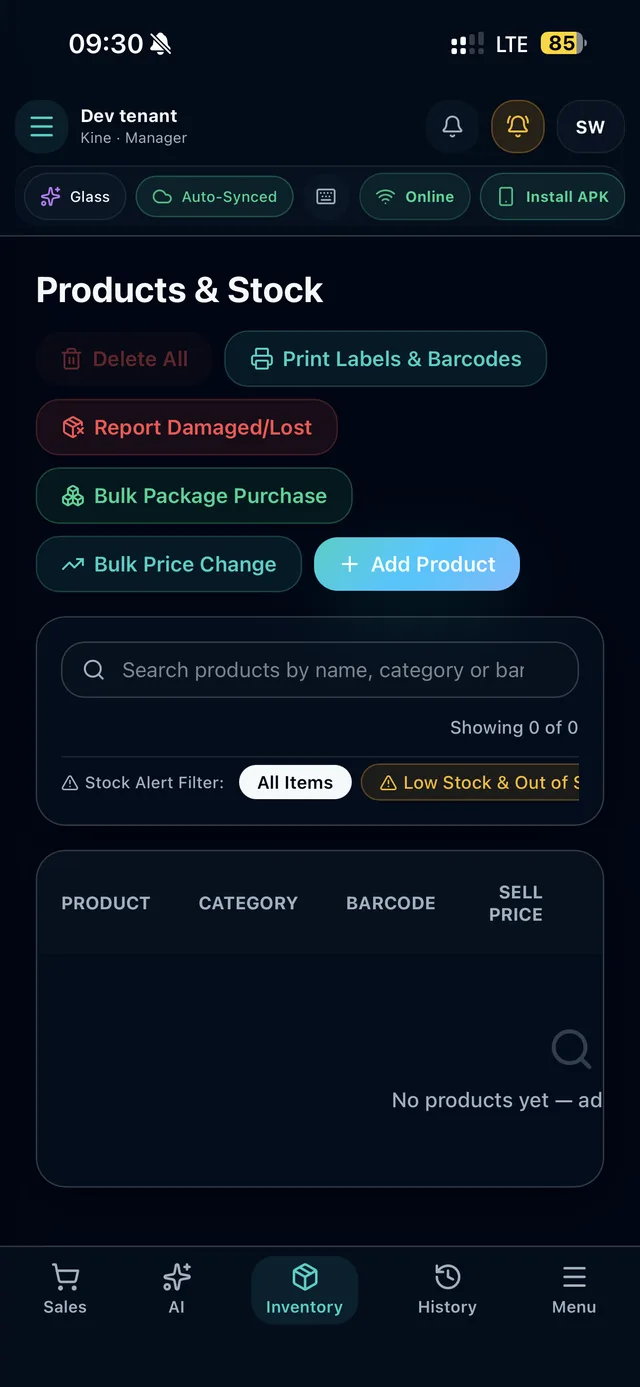
Every completed sale reduces stock instantly — no manual recount needed at the end of the day.
Set a threshold per product, or use one store-wide default, and get flagged before you run out.
Track expiry per batch — useful for shops selling food, cosmetics, or medicine — with FIFO stock rotation.
Generate and print barcode labels for products that don't already have one from the supplier.
Restock by carton or dozen instead of one unit at a time when a delivery arrives.
Log damaged, expired, or lost stock separately, so your reports reflect real shrinkage, not just sales.